

SaaS customer support is the ongoing help a software-as-a-service company gives subscribers across the whole life of an account, from onboarding to renewal. Small SaaS teams should structure it in three layers: a self-service knowledge base, a few human channels with clear response targets, and an escalation path to engineering. Getting it wrong is costly. Zendesk's CX Trends 2026 research found 85% of CX leaders say customers will drop a brand over unresolved issues, even on the first contact.
One ignored ticket can lose the account. That's bad news if your support team is a shared inbox and two developers who'd rather be shipping. The good news is that structure beats headcount, and you can build most of it in a few afternoons.
What Is SaaS Customer Support?
SaaS customer support is the help a software company gives paying subscribers so they can set up the product, fix problems and keep getting value from it.
SaaS stands for software as a service. That's software you rent by subscription and use in a browser or app.
The acronym also belongs to the Student Awards Agency Scotland, which muddles the search results. This guide covers software. For student funding, head to the agency's official contact page.
In a B2B product, support goes well past broken buttons. It covers setup, billing, integrations, permissions and the classic 'is this a bug or am I doing it wrong?' The subscription is what makes all of it different.
What Makes SaaS Customer Support Different
SaaS customer support differs from one-off product support because the relationship is ongoing, the product keeps changing, and revenue depends on customers choosing to renew their subscription.
A shop sells you a kettle once. A SaaS company bills you every month, so every support conversation is a small vote on whether you stay. Lose enough votes and you get churn.
Continuous updates add their own mess. You ship a new settings page on Tuesday, and by Wednesday a handful of help articles describe buttons that have moved.
Then there's B2B buying, where the person signing the renewal is rarely the one clicking around all day. Treat support as a cost centre and it'll behave like one. Treat it as part of the product and it needs proper parts.
The 8 Core Components of SaaS Customer Support
A working SaaS support setup has eight core components: a knowledge base, omnichannel access, ticketing, proactive onboarding, support tiers, SLAs, escalation paths and a feedback loop.
Small teams don't need all eight at full strength on day one. Each one just needs to exist, even if it's a single page and a sticky note.
1. A Self-Service Knowledge Base
A self-service knowledge base is a searchable library of how-to guides, FAQs and troubleshooting articles that customers use before contacting your team.
It won't carry the load alone. A Gartner survey of 5,728 customers found only 14% of service issues were fully resolved in self-service. Even issues customers called 'very simple' were fully resolved only 36% of the time.
Low bar. Still missed. Usually the article exists but uses the wrong words, or describes last year's interface.
Start with the questions you answer every week and publish them in a knowledge base on your own domain and branding. Write them in the words customers use in their tickets.
2. Omnichannel Access
Omnichannel support lets customers reach you through channels such as email, live chat, Slack and an in-app widget, with every conversation kept in one shared history.
The shared history matters most. In Zendesk's CX Trends 2026 consumer findings, 76% of consumers said they'd choose a company that lets them send text, images and video in one thread without restarting.
Read that as a warning about repetition. People will put up with a short wait. Being asked for the same screenshot twice is what makes them furious.
Pick the channels you can answer well and skip the rest. For B2B accounts, a shared Slack channel often beats a shiny chat tool, because it's where the customer already works.
3. A Ticketing System
A ticketing system turns every support request into a tracked record with an owner, a status, a priority and the full conversation history.
Without one, the shared inbox becomes a daily guessing game about who replied. With one, you can see what's open, what's late and what keeps coming back.
4. Proactive Onboarding
Proactive onboarding is support that reaches new customers before they get stuck, during the first weeks after signup, when time to value decides whether they stay.
Use product data to trigger the outreach. If an account signs up and connects nothing, send a short, human note with the one article that clears the usual blocker. It feels helpful because it's specific.
5. Tiered Support
Tiered support splits requests by complexity, with self-service and frontline replies handling common questions and people with deeper product knowledge handling complex issues.
In a tiny company, tier one might be the knowledge base plus whoever's on inbox duty. Tier two is the developer who built the feature. Fine, as long as everyone knows which is which.
6. SLAs and Response Targets
A support SLA is a written promise about how fast your team will respond to and resolve issues, and it should vary by priority and by channel.
An outage on a paying B2B account deserves a faster reply than a feature question emailed on a Sunday. Set targets for both. Publish only the ones you can hit.
7. Escalation Paths to Product and Engineering
An escalation path is the agreed route a support issue takes to engineering, product or customer success when frontline support can't solve it.
Define it before the fire. Decide who looks at bugs, where they're logged (a Jira issue, a Slack thread) and who tells the customer it's fixed. That last step is the one teams forget.
8. A Feedback Loop Into the Roadmap
A support feedback loop sends patterns from tickets, searches and feature requests back to the product team, so the roadmap reflects real customer pain.
Support data is the voice of the customer, already written down. A feedback board with votes turns scattered requests into a ranked list, and a public roadmap shows people you listened. Close the loop with a changelog entry when it ships.
That's the anatomy. Next, why it deserves more of a founder's attention than it usually gets.
How SaaS Customer Support Protects Retention and Growth
SaaS customer support protects retention because every resolved issue keeps a renewal on track, and every unresolved one hands a subscriber a reason to churn.
Intercom's 2026 customer service transformation research found 58% of support teams named improving customer experience and satisfaction their top 2026 priority, up from 28% the year before. Intercom sells support software, so treat that as direction of travel. Still, it's a big swing in one year.
The main business benefits of good SaaS customer support are:
Lower churn. Fast, accurate answers remove the most common excuse to cancel.
Faster adoption. Customers who get help early reach time to value sooner, and features people use are harder to walk away from.
Differentiation. Competitors can copy your features. A reply from someone who knows the product is much harder to copy.
Better word of mouth. B2B buyers read reviews and ask peers, and support stories travel in both directions.
Free product research. Tickets show where users get stuck, which beats guessing at the roadmap.
Knowing it matters is the easy part. The practices below are where small teams win or lose.
10 Best Practices for Small SaaS Support Teams
The best practices for small SaaS support teams fall into three stages: preventing tickets, resolving them quickly and turning what they reveal into product decisions.
Before the Ticket: Prevent the Request
Ticket prevention is the cheapest support work a small team can do, and it starts with documentation and onboarding.
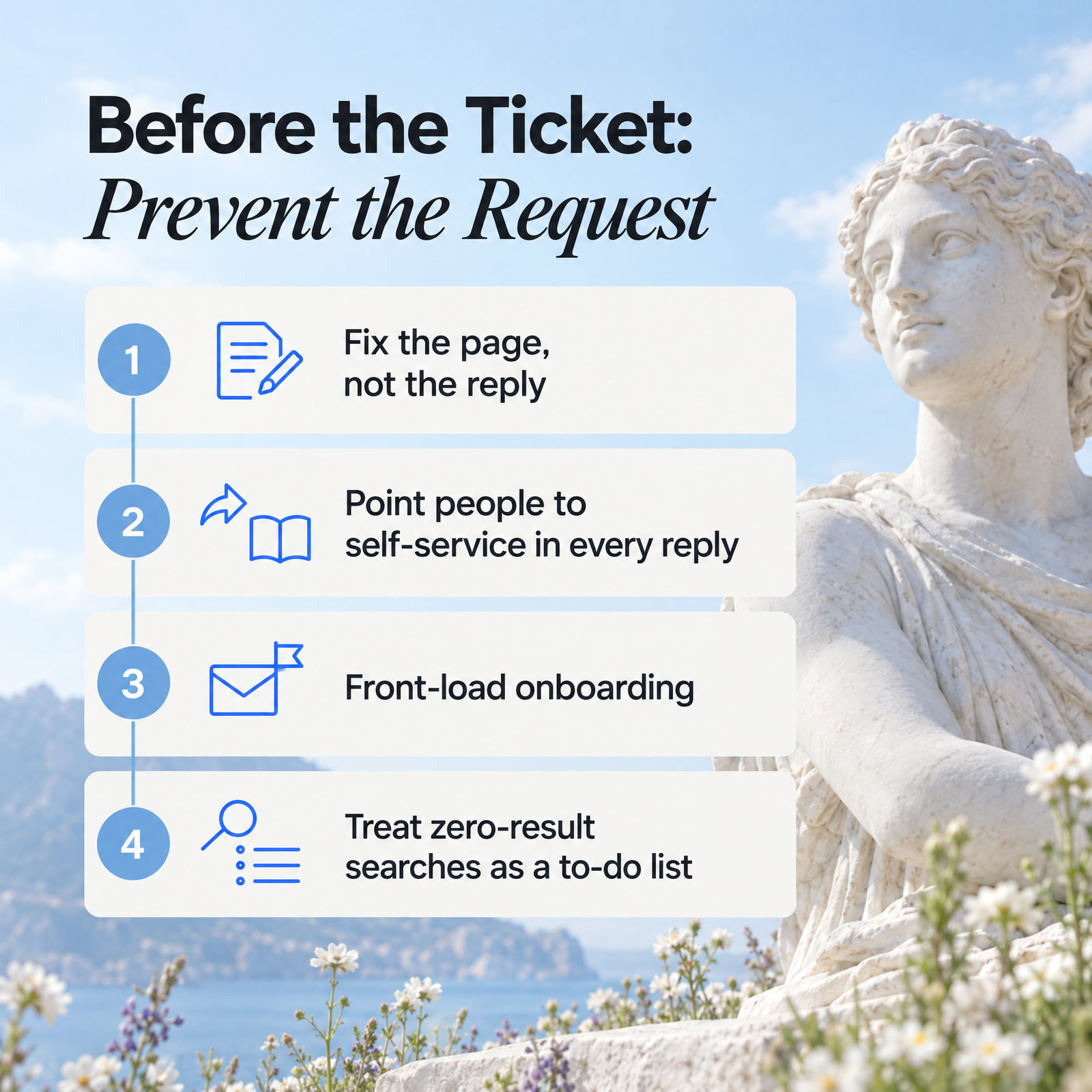
1. Fix the page, not the reply. When the same question arrives three times, the reply is a symptom. Rewrite the article so the next person never writes in.
2. Point people to self-service in every reply. A Gartner survey of 5,801 customers found 60% of customer service agents fail to promote self-service. The article exists, the agent knows it exists, and the customer never hears about it.
3. Front-load onboarding. Write your getting-started articles first and link them in the welcome email. Then check in with accounts that go quiet after signup.
4. Treat zero-result searches as a to-do list. Each one is a customer telling you, in their own words, what's missing. Write that article before Friday.
During the Ticket: Resolve It Fast
Fast resolution depends on shared context, clear priorities and a support team with enough product knowledge and authority to finish the job.
5. Keep one conversation history. Omnichannel only works if chat, email and Slack threads carry the same context. Send user details from your app into the support widget so nobody asks for an account ID twice.
6. Set your SLA by priority and channel. Promise what you can keep. Review your response times against it every week.
7. Train for product knowledge and soft skills. A Gartner survey of 321 service leaders found 85% are adding responsibilities to frontline agent roles, and 75% are moving agents into entirely new roles. Big-company numbers, but the lesson carries over: keep an internal knowledge base, make time to learn each release, and practise delivering bad news calmly.
8. Let support fix things. Give whoever's on support the power to issue a refund, extend a trial or file a bug without calling a meeting.
After the Ticket: Feed the Product
Support pays off twice when ticket trends reach the product roadmap and customer success sees account health before renewal.
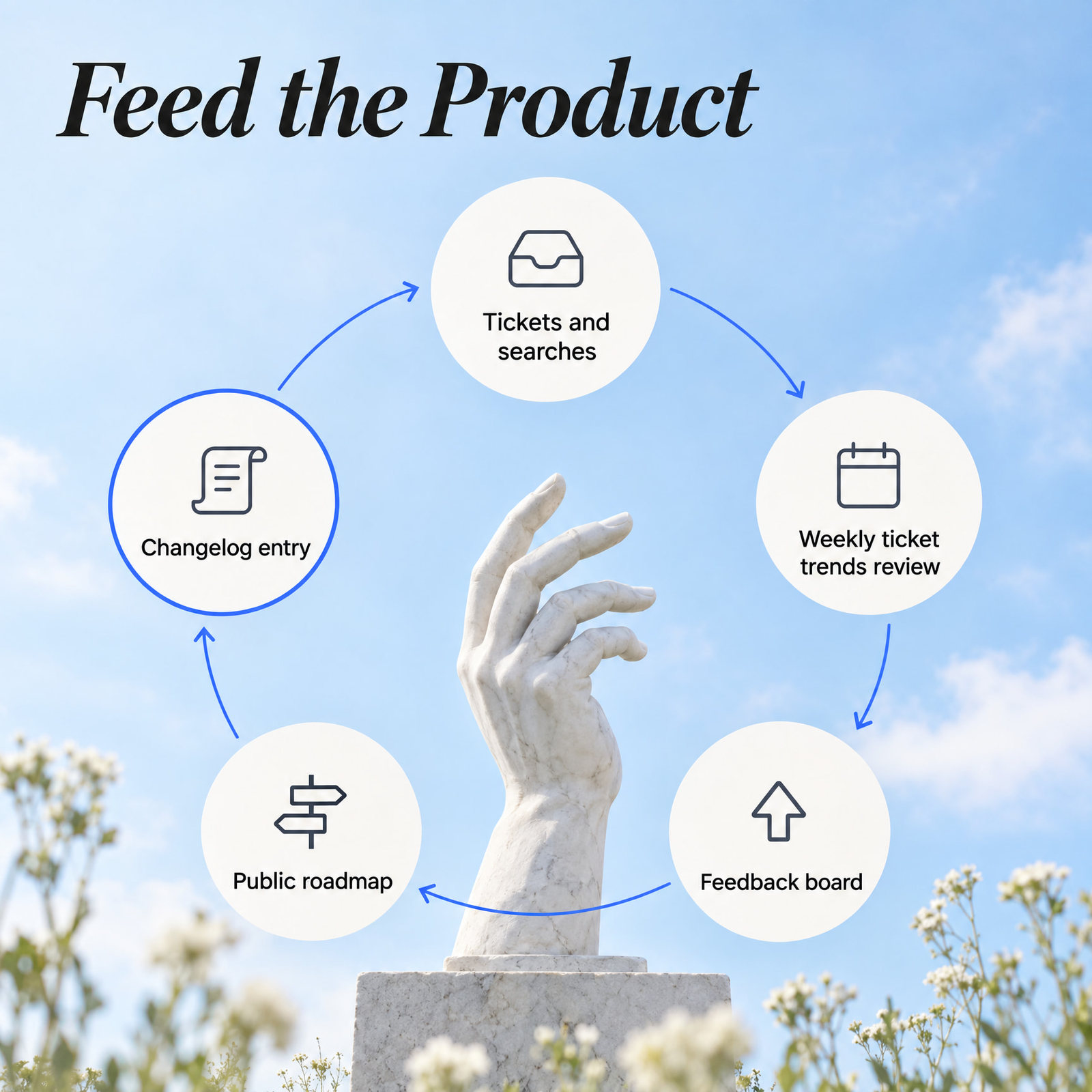
9. Review ticket trends with product every week. 'Quiet week for bugs, loud week for exports' is the kind of sentence a product team can act on by Monday lunchtime. Knowlith's Weekly Signal Digest lands every Monday for exactly that reason.
10. Share account health with customer success. A B2B account that files a string of frustrated tickets before renewal is a churn risk. Tell whoever owns the renewal before the cancellation email does.
Every one of these gets easier with the right tools, and harder with the wrong ones.
SaaS Customer Support Tools: Features That Earn Their Keep
The core SaaS customer support tools are a ticketing platform, a knowledge base, live channels and analytics, connected to the CRM and issue tracker your team already uses.
A Gartner survey of 265 service leaders found they expect live chat, self-service portals and knowledge management to overtake phone and email as the most valuable service technologies by 2027. AI agents stayed outside the top 10. The boring tools won.
The features worth paying for in a small team's support stack are:
Ticketing workflows with owners, priorities, tags and SLA timers.
An omnichannel inbox that pulls email, live chat, Slack and in-app messages into one history.
A knowledge base with search analytics, including zero-result searches.
An embedded widget that opens help inside your app and shows which pages people open it on.
CRM and issue-tracker integrations with tools such as HubSpot, Salesforce and Jira.
Reporting on CSAT, first response time and resolution time.
For context, Knowlith covers the self-service side: knowledge base, feedback board, public roadmap, changelog and embedded widget, all on your own domain. Whatever you pick, check it reports where users get stuck, because the metrics below run on that data.
SaaS Support Metrics: CSAT, NPS, FRT and Resolution Time
The four core SaaS support metrics are customer satisfaction score (CSAT), Net Promoter Score (NPS), first response time (FRT) and resolution time, and each answers a different question.
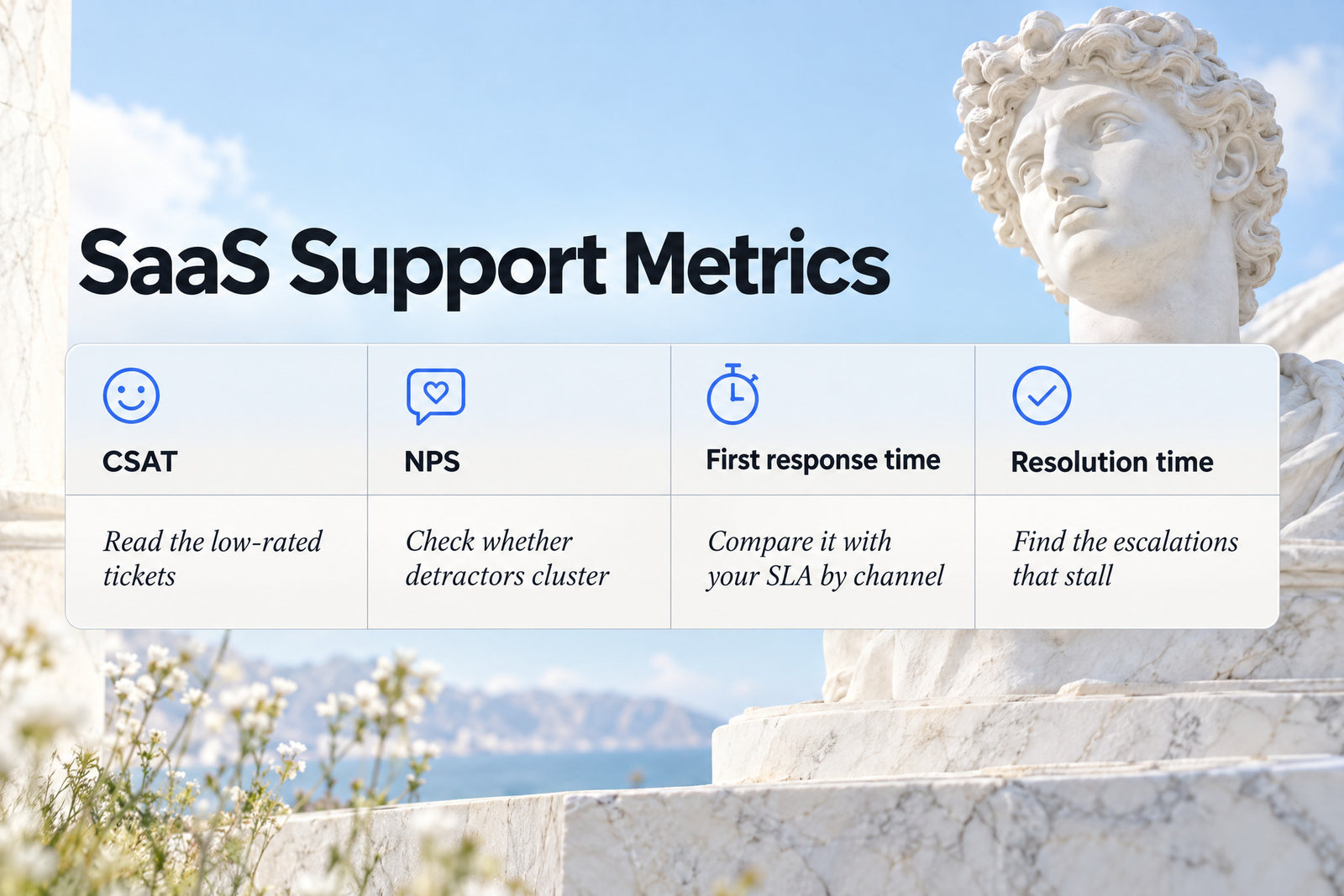
The table below defines each metric, plus one self-service signal, and what to do when it slips.
Metric | What it measures | What to do when it slips |
|---|---|---|
CSAT | How satisfied a customer felt after a specific support conversation | Read the low-rated tickets. Look for a missing article or a slow handover. |
NPS | How likely customers are to recommend your product overall | Check whether detractors cluster around one feature, plan or onboarding step. |
First response time | How long a customer waits for the first human reply | Compare it with your SLA by channel and move triage earlier in the day. |
Resolution time | How long it takes to fully solve an issue | Find the escalations that stall between support and engineering. |
Zero-result searches | Help-centre searches that return nothing | Write the missing article, in the searcher's words. |
Watch the trend line across weeks. One week of CSAT mostly tells you about one bad Tuesday. And put the SLA targets on the same dashboard, so first response time has something to be measured against.
Once the numbers are visible, the obvious temptation is to hand the whole queue to AI.
Scale SaaS Customer Support With AI Behind the Counter
AI scales SaaS customer support best when it works behind the scenes for your team, whilst customers keep an easy route to a human.
Customers Still Want a Human Option
Customers still expect a human option when companies use generative AI for customer service.
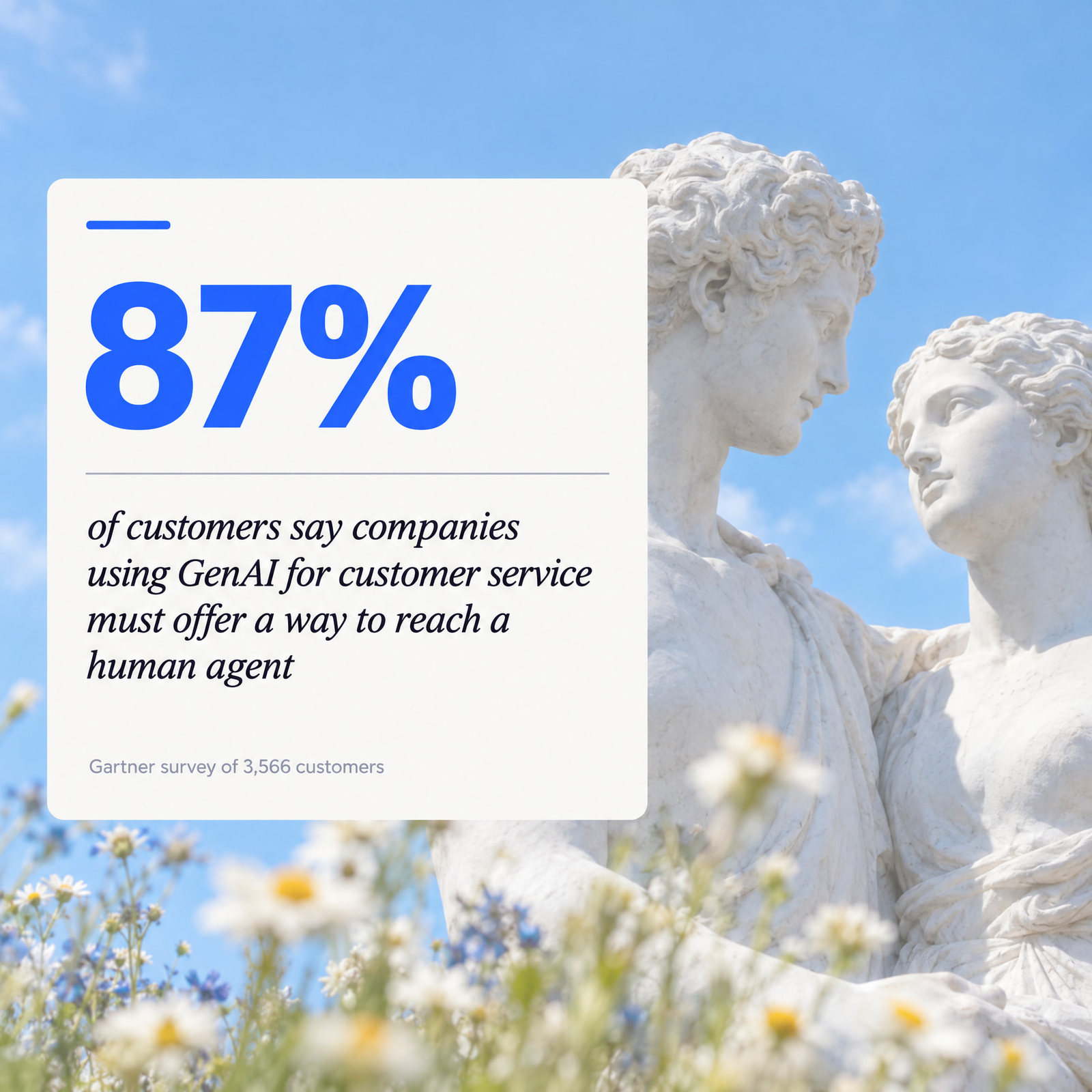
A Gartner survey of 3,566 customers found 87% say companies using GenAI for customer service must offer a way to reach a human agent. That's close to everyone. Hide the 'talk to a person' button and you're arguing with your own users.
Bad bot experiences also stick. Gartner found only 27% of customers would try a chatbot again after a negative experience. You get one shot, and a bot that guesses wastes it.
Where AI Earns Its Place in a Small Team
AI earns its place in a small support team through internal jobs such as ticket tagging, routing, suggested replies, article drafts and spotting knowledge gaps.
The AI and automation jobs worth handing over are:
Ticket tagging, so trends show up without anyone sorting by hand.
Routing by topic and priority, so billing questions skip the developer.
Suggested replies that a human edits before sending.
Article drafts built from resolved tickets, checked before they go live.
Knowledge gap reports from zero-result searches and repeat questions.
If your team uses an AI assistant, connect it to your docs with an MCP tool that searches your help articles. Its drafts then quote real pages instead of inventing them. Knowlith draws the same line: its AI never talks to end users and only writes a briefing for the product team.
Read the Big AI Forecasts With Care
Analyst and vendor forecasts for AI in customer service are ambitious, and small teams should read them as direction of travel rather than benchmarks.
Gartner predicts that by 2029, agentic AI will resolve 80% of common customer service issues without human help, cutting operating costs by 30%. Maybe. That's a forecast about common issues at scale, and your weird Stripe webhook bug isn't common.
The pressure is louder than the evidence. Gartner's research on AI pressure in service teams found 77% of service leaders feel pressure from other executives to deploy AI, and 75% have bigger AI budgets than last year. Pressure plus budget is how you end up with a bot nobody asked for.
These surveys describe big enterprises, and several come from companies selling support software. They don't tell a small team how to staff its inbox. Start with tagging and drafts, then decide.
Quick Answers: SaaS Support Questions
What is SaaS customer support?
SaaS customer support is the ongoing help software-as-a-service companies give subscribers, covering onboarding, troubleshooting, billing and account questions through self-service and human channels.
What does SaaS stand for?
SaaS stands for software as a service, meaning software you pay for by subscription and use online. In Scotland, SAAS also refers to the Student Awards Agency Scotland, which handles student funding.
How do I contact a SaaS company's support team?
Most SaaS companies offer support through an in-app help widget, a help centre, email and live chat, and some add social messaging or phone. Check the help link inside the product first, because it usually opens the fastest channel. For the Student Awards Agency Scotland, use the contact details on its official website.
Do SaaS companies have a phone number?
Some SaaS companies offer phone support, though most small teams lead with email, chat and self-service.
Phone hasn't vanished. Intercom's 2026 report on support investment found planned spending split 36% each for chat, email and social messaging, and 31% for phone and voice. For a small team, phone is the hardest channel to staff well, so keep it for high-value accounts if you offer it at all.
Your First Week: Five Steps in Priority Order
The fastest way to structure SaaS customer support in a small team is to fix self-service first, then channels, then response targets, then the feedback loop.
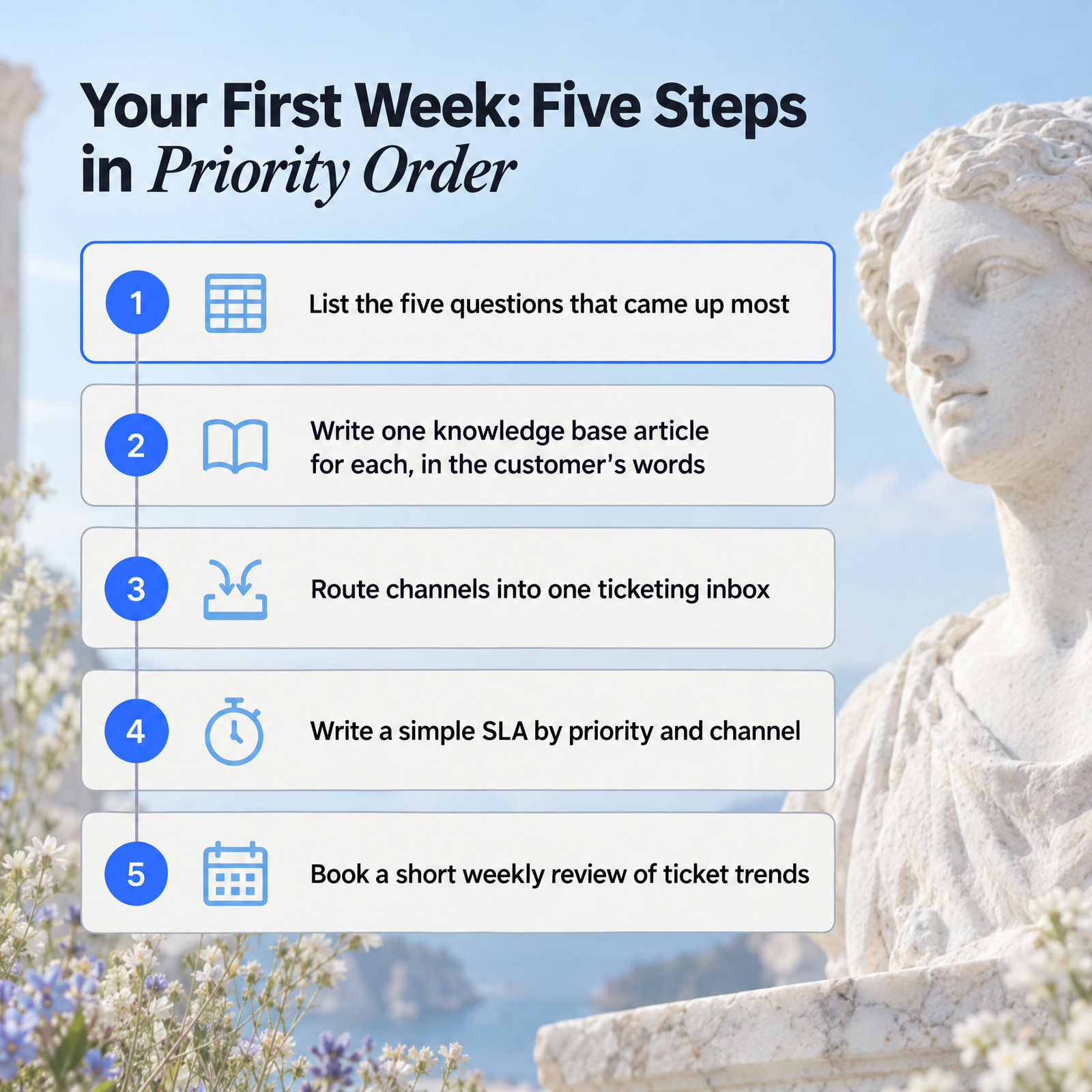
Do these in order:
Today: export last month's tickets and list the five questions that came up most.
Write or rewrite one knowledge base article for each, in the customer's words.
Pick the channels you can answer well and route them into one ticketing inbox.
Write a simple SLA by priority and channel, and start logging first response time.
Book a short weekly review with whoever owns the product to go through ticket trends.
Success after seven days looks boring: fewer repeat questions and a shorter list of zero-result searches. Nobody needs a chatbot for that. They need a page that answers the question.