
Images made for your post. Not stock.
Serpjoy designs every image around what the post actually says, in your brand's style. Step-by-step guides, comparisons and stat cards your readers understand at a glance, instead of another photo of people pointing at a laptop.
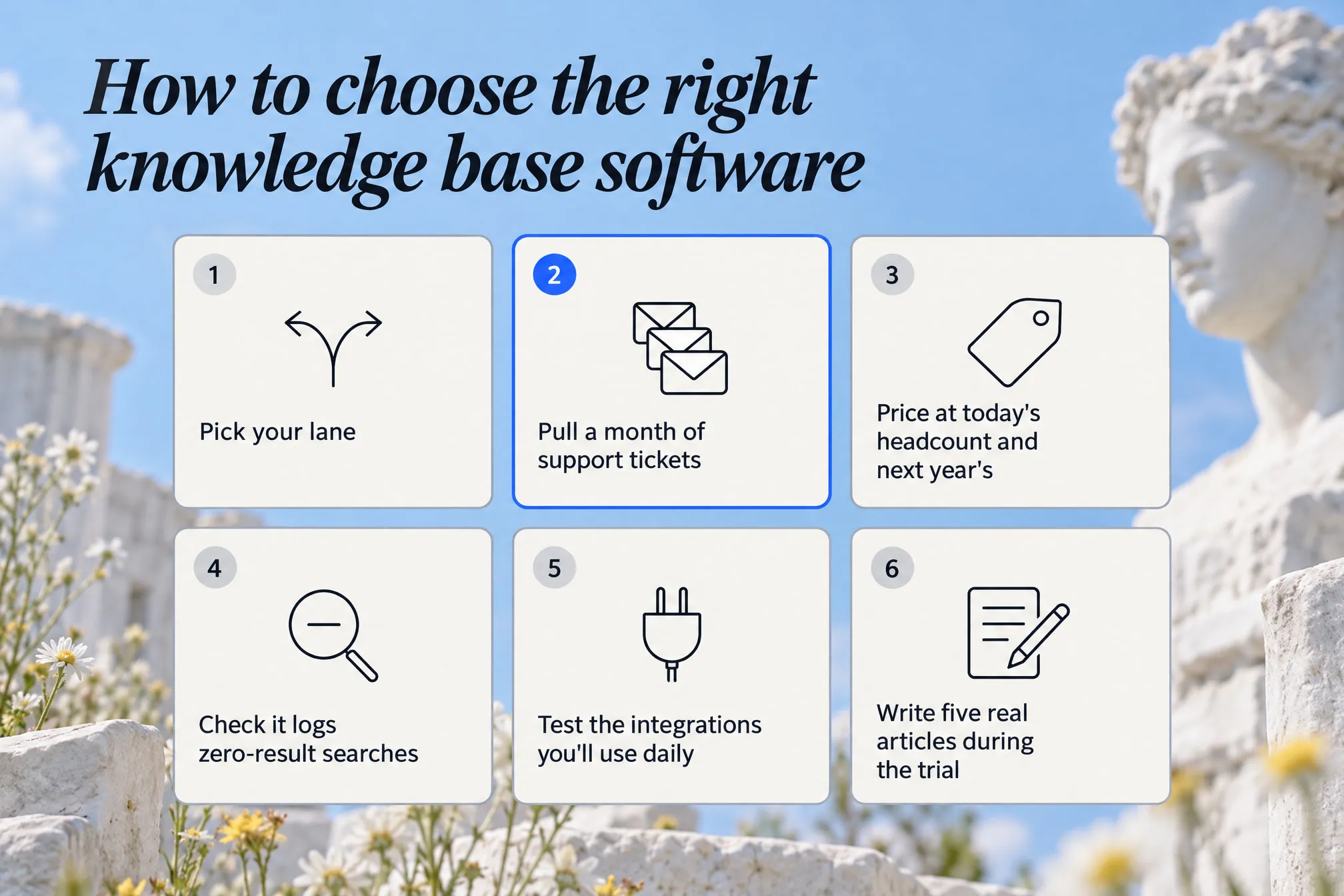
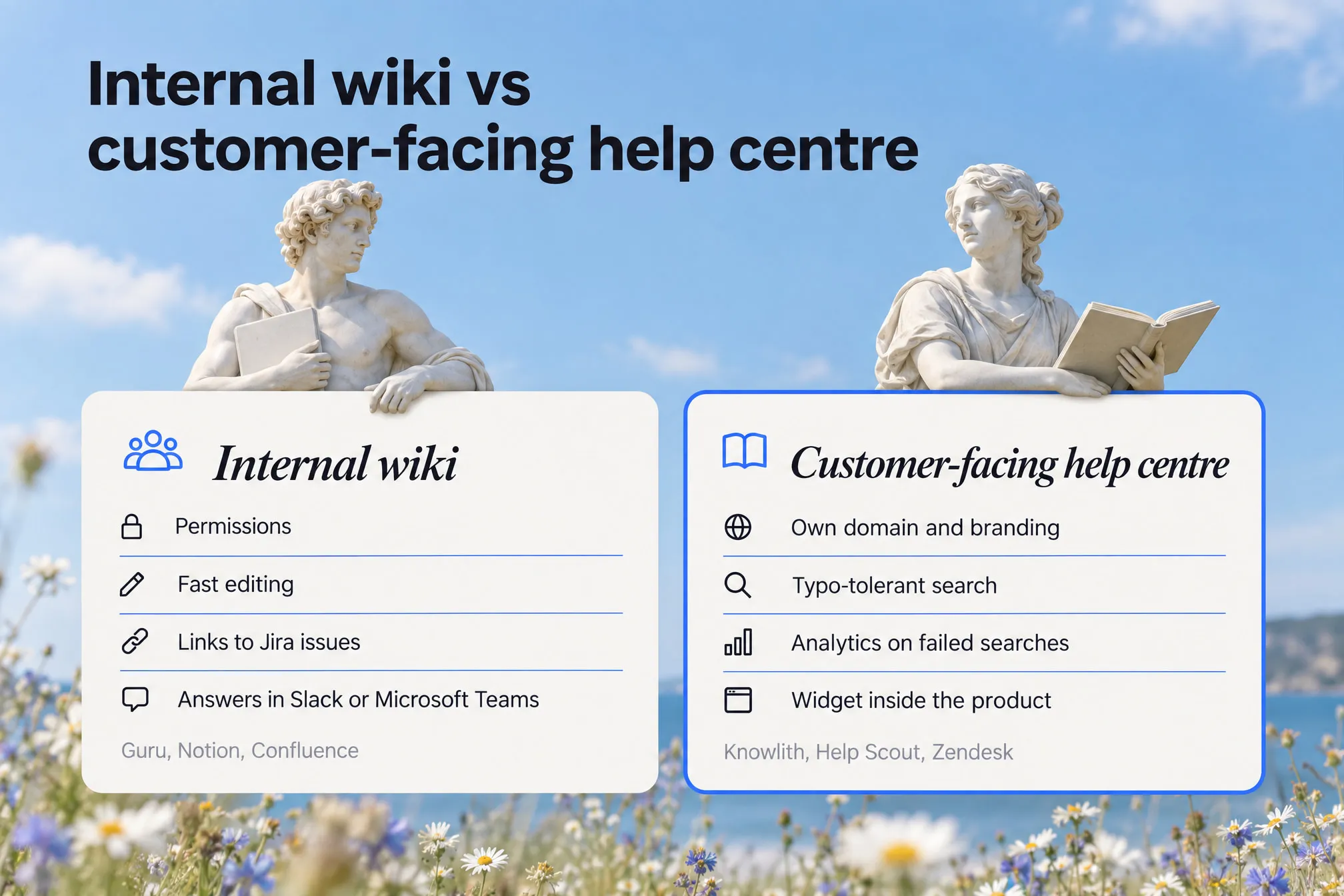
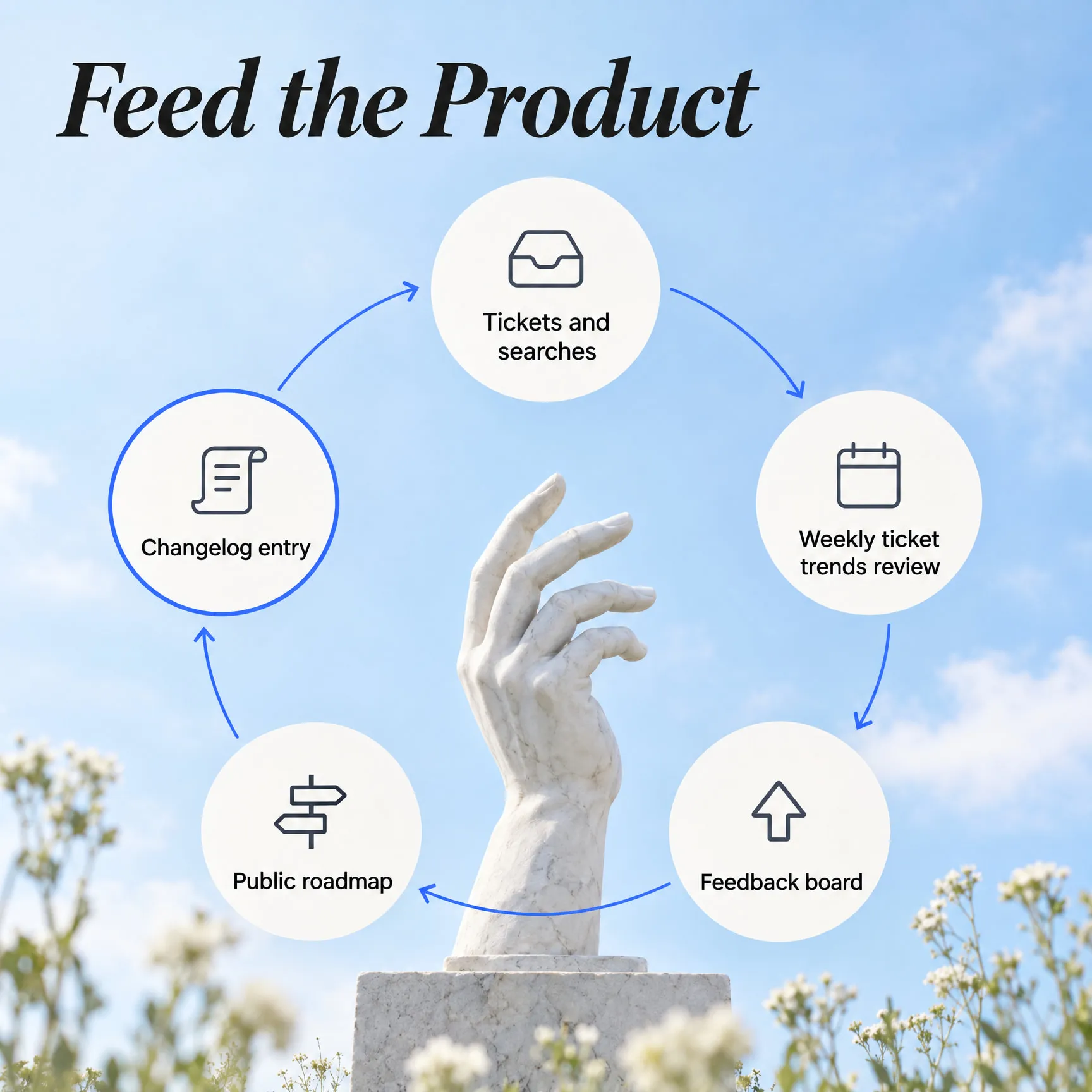

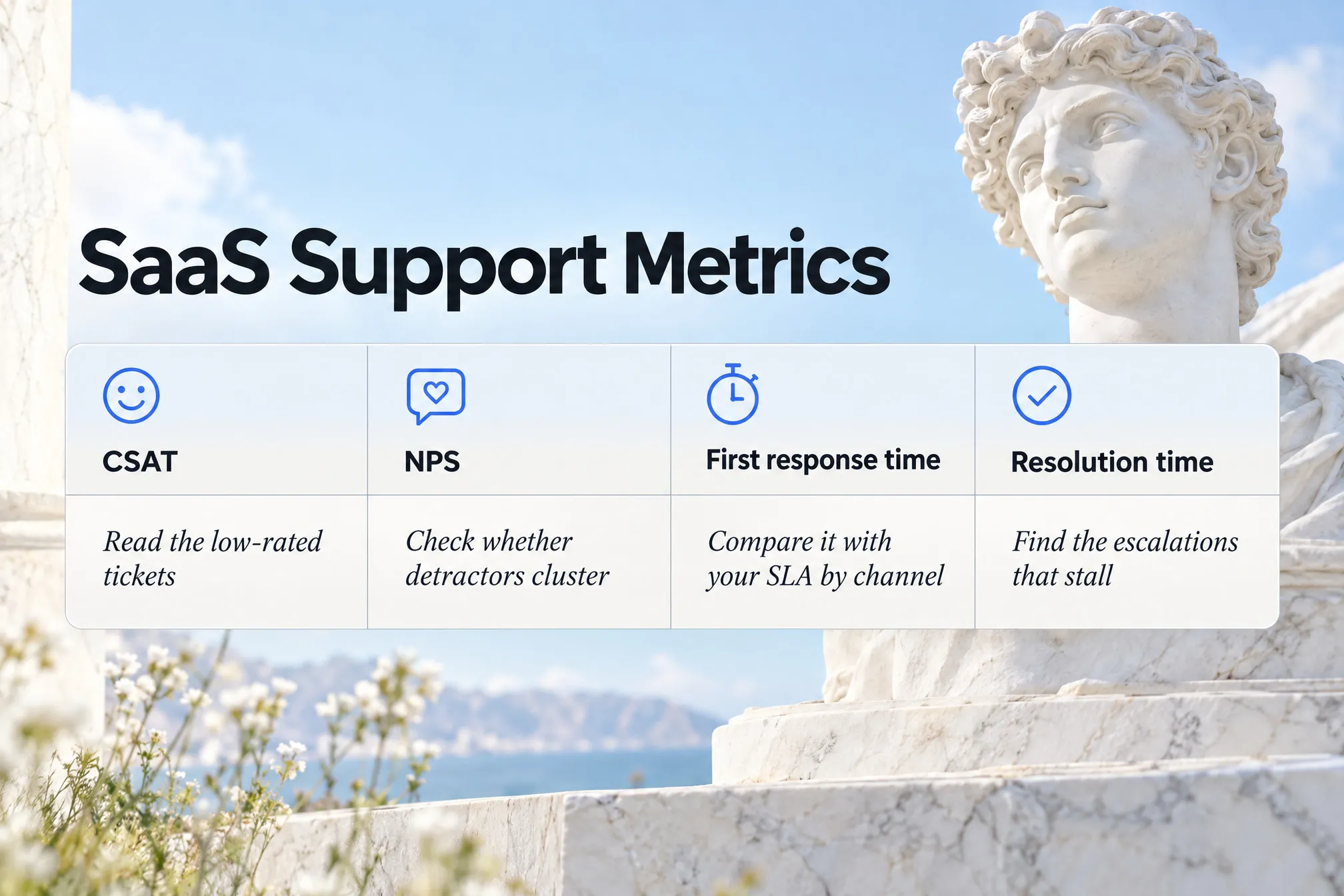
Every image above was designed by Serpjoy for two posts on Knowlith's blog.
A picture that says something.
Stock photos fill space. Serpjoy's images do a job: they explain a step, compare options or turn a cited statistic into something people remember.
- Seen on a thousand other sites
- Says nothing the post says
- Doesn't look like your brand
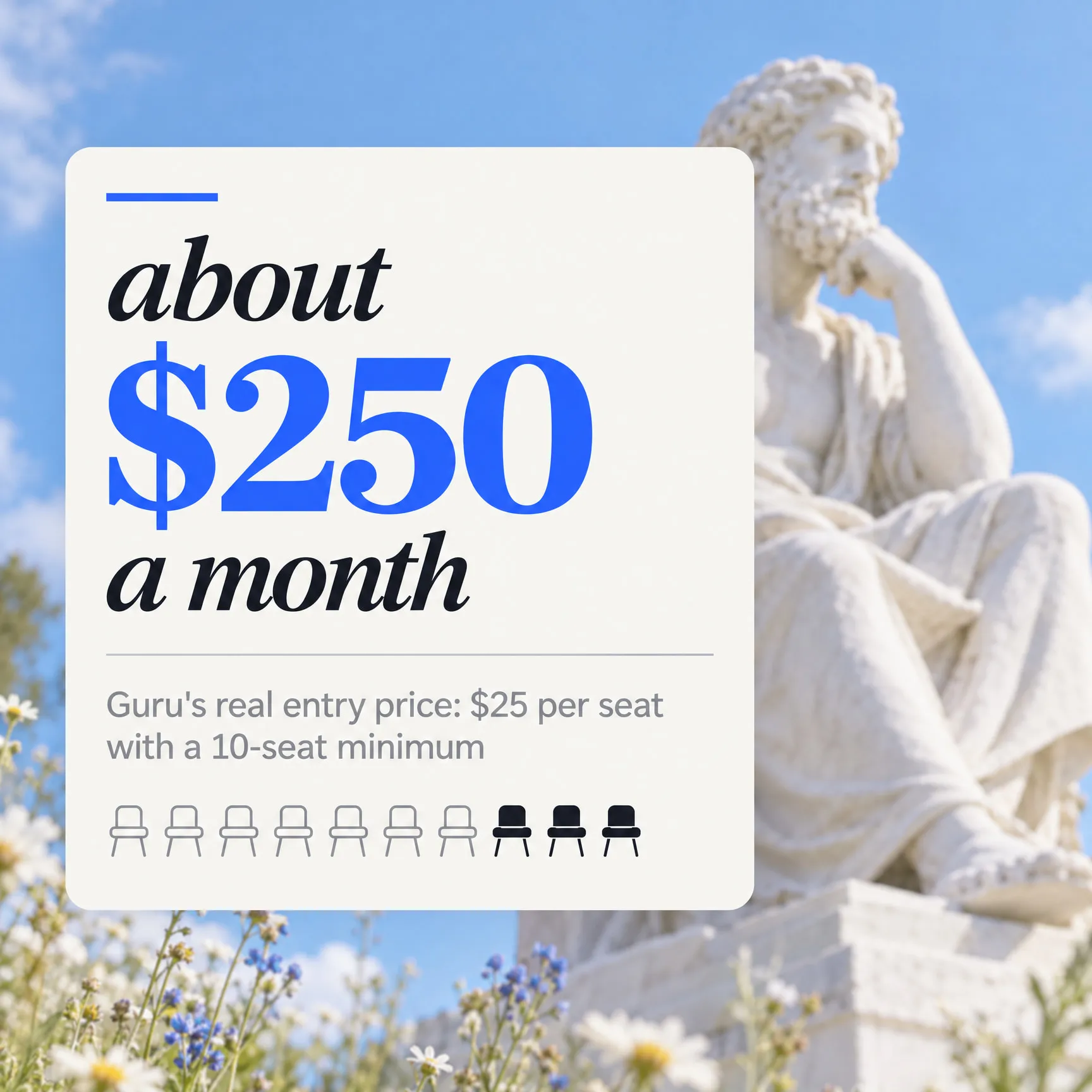
- Explains a point from the post
- Built from a cited fact, with its source
- In your brand's colours and style
Serpjoy scans your site and suggests your style.
You don't have to write an image brief. Add your website and Serpjoy works out how your brand looks, then fills in your image settings for you. Every post follows them, so image 40 looks like it belongs with image 1.
- Add your website. That's the only thing you type.
- Serpjoy scans it. Your colours, the look of your pages and the images you already use.
- It suggests everything. Style, colours, reference images and image types. Change anything, or keep it as it is.
Alt text and captions, written for you.
Every image comes with alt text that describes it, a caption people actually read and a clean filename. Download them as one pack with featured-image crops, ready for any CMS.
- Alt text under 125 characters, with the keyword only where it fits
- Captions placed under the right section
- Filenames like knowledge-base-content-freshness-cycle.jpg, not IMG_4829
- JPEG and WebP, plus 16:9, 4:3 and 1:1 featured-image crops
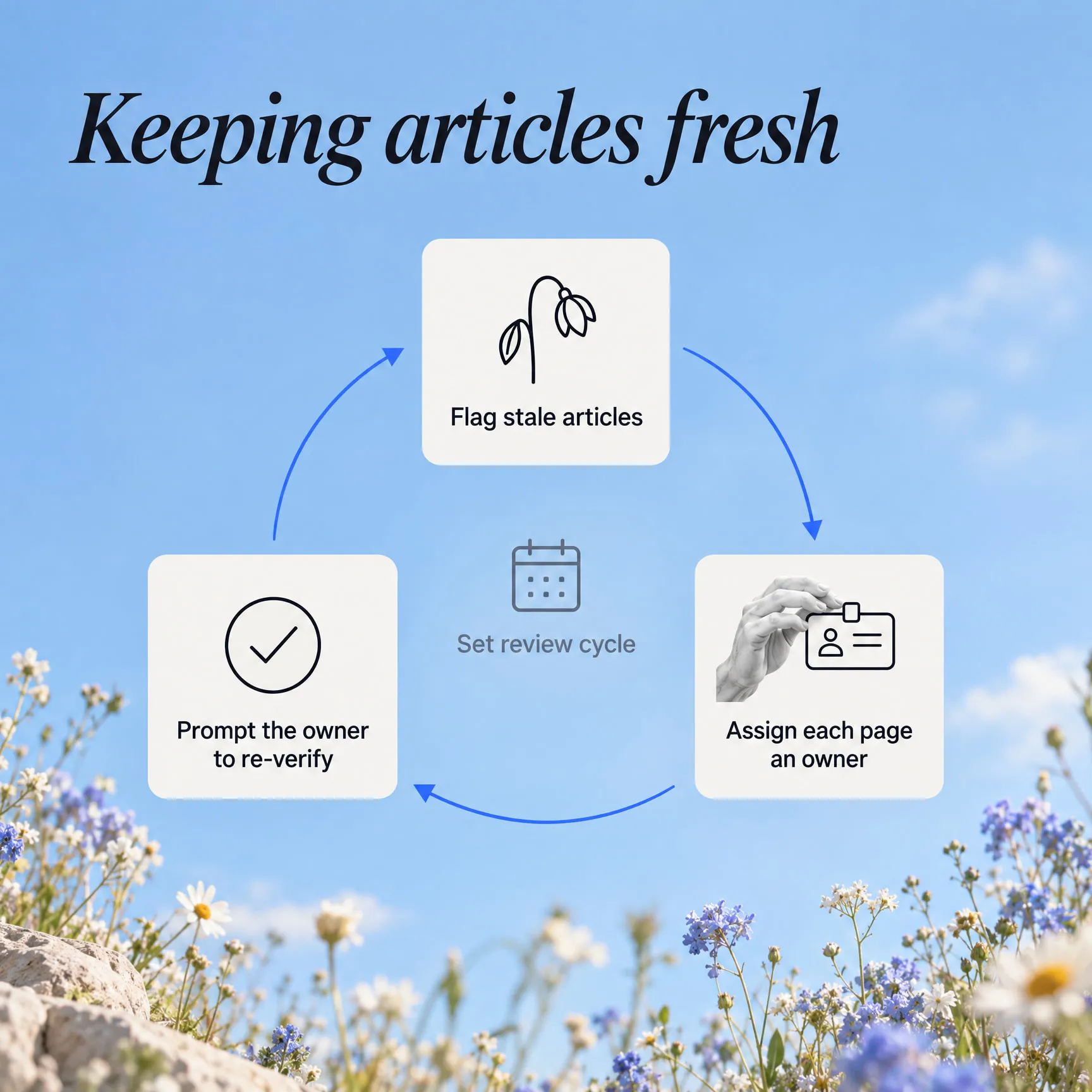
When a post talks about a tool, it shows it.
Comparing products or walking through a website? Serpjoy captures the real page at the time of writing and places it where the post discusses it, captioned. Knowlith's knowledge base comparison includes these two.


Your brand's images, in every post.
Add your site and Serpjoy suggests your image style for you. One full post for $1, images included, no subscription.
Write your first post for $1 →